
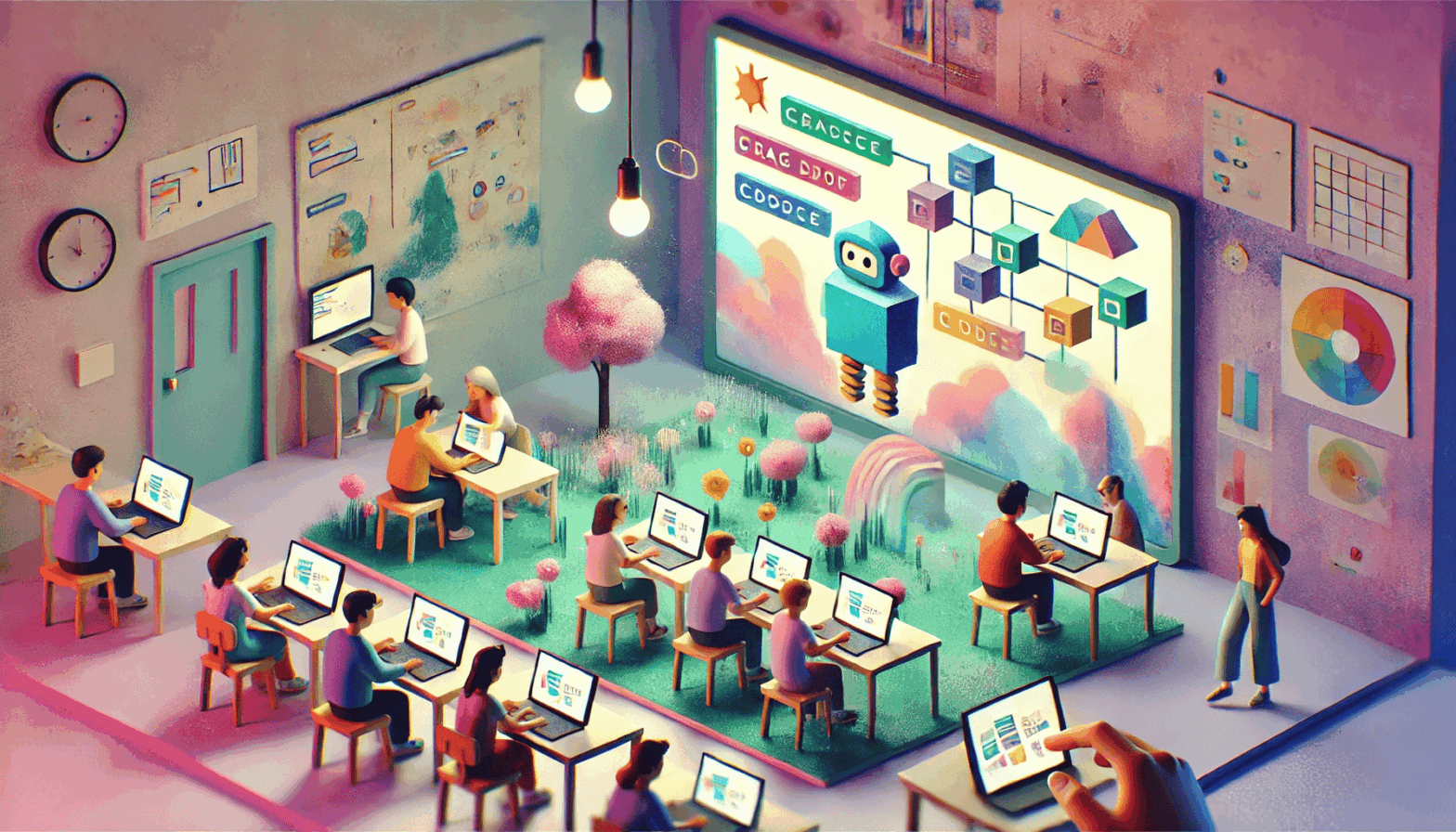
Scratch serves as a visual, object-oriented platform designed to introduce programming concepts to middle and high school students. “” This educational environment promotes intuitive learning by enabling users to build interactive projects through a drag-and-drop interface. Similar to how Pygame empowers beginners to develop simple 2D games using Python, Scratch makes coding accessible by focusing on creativity and engagement rather than syntax complexity.
By working with visual elements like sprites and stage-based logic, students learn foundational programming principles through hands-on experimentation and visual feedback. Scratch fosters computational thinking and problem-solving skills, making it a powerful gateway to more advanced development environments. Learners can securely download Scratch through the official resource, ensuring quick access to a verified version suitable for both classrooms and home use.
Core Elements of Scratch Projects
Central to Scratch’s architecture are sprite objects, each comprising a visual component—costume frames—and executable scripts. An integrated graphic tool enables users to customize sprite appearances. Programs operate within a 480×360-pixel stage, with coordinate origins centered for logical spatial operations.
Block-Based Coding Methodology
The platform employs a drag-and-drop methodology, allowing users to construct scripts by selecting command blocks from a dedicated interface panel. Parameter fields within blocks permit numerical and logical inputs, streamlining code customization for varied programming scenarios.
Resource Accessibility
The official website offers access to Scratch resources, enabling young learners to download the platform and achieve early success in algorithm development. This streamlined distribution supports educators and parents in fostering computational thinking skills.